Paramaterizing Models
This tutorial assumes that you’ve already read the domains tutorial.
Generally speaking you will never make one model. You may be interested in multiple object conductances or object locations. Instead of making 10 models for each object you can simply parameterize them.
Parameterizing Functions
There are 3 parameterizable methods in the BaseFishModel
These methods have the same default signature
def method_name(self, **kwargs):
 IMPLEMENTATION-HERE
If we want to add parameters we can put them anywhere between self and **kwargs
For example here we’re going to make a model with a movable object by defining its x, and y position parametrically
import matplotlib.pyplot as plt

from fish2eod import BaseFishModel, Circle


class ParametricObject(BaseFishModel):
    def add_geometry(self, object_x, object_y, **kwargs):
        obj = Circle([object_x, object_y], 3)

        self.model_geometry.add_domain("object_domain", obj, sigma=1)


model = ParametricObject()

"""
Create the model with parameters

fish_x = [0, 10]
fish_y = [0,0]

This defines a fish spine running with two points on it - (0,0) and (10, 0).

Additionally we will define

object_x = 2
object_y = 10

which creates an object at (2, 10) per our model implementation
"""
parameters = {"fish_x": [0, 10], "fish_y": [0, 0], "object_x": 2, "object_y": 10}
model.compile(**parameters)  # shorthand for extracting each term from the dictionary
model.plot_geometry(color="k")

"""
We can re-do this but now with a different object location of (10, 10) by updating our parameters
"""
plt.figure()
parameters = {"fish_x": [0, 10], "fish_y": [0, 0], "object_x": 10, "object_y": 10}
# additionally since fish_x, and fish_y are not changing
# we could have just done parameters['object_x'] = 10

model.compile(**parameters)
model.plot_geometry(color="k")
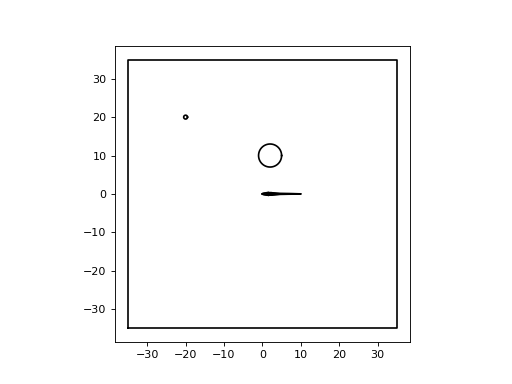
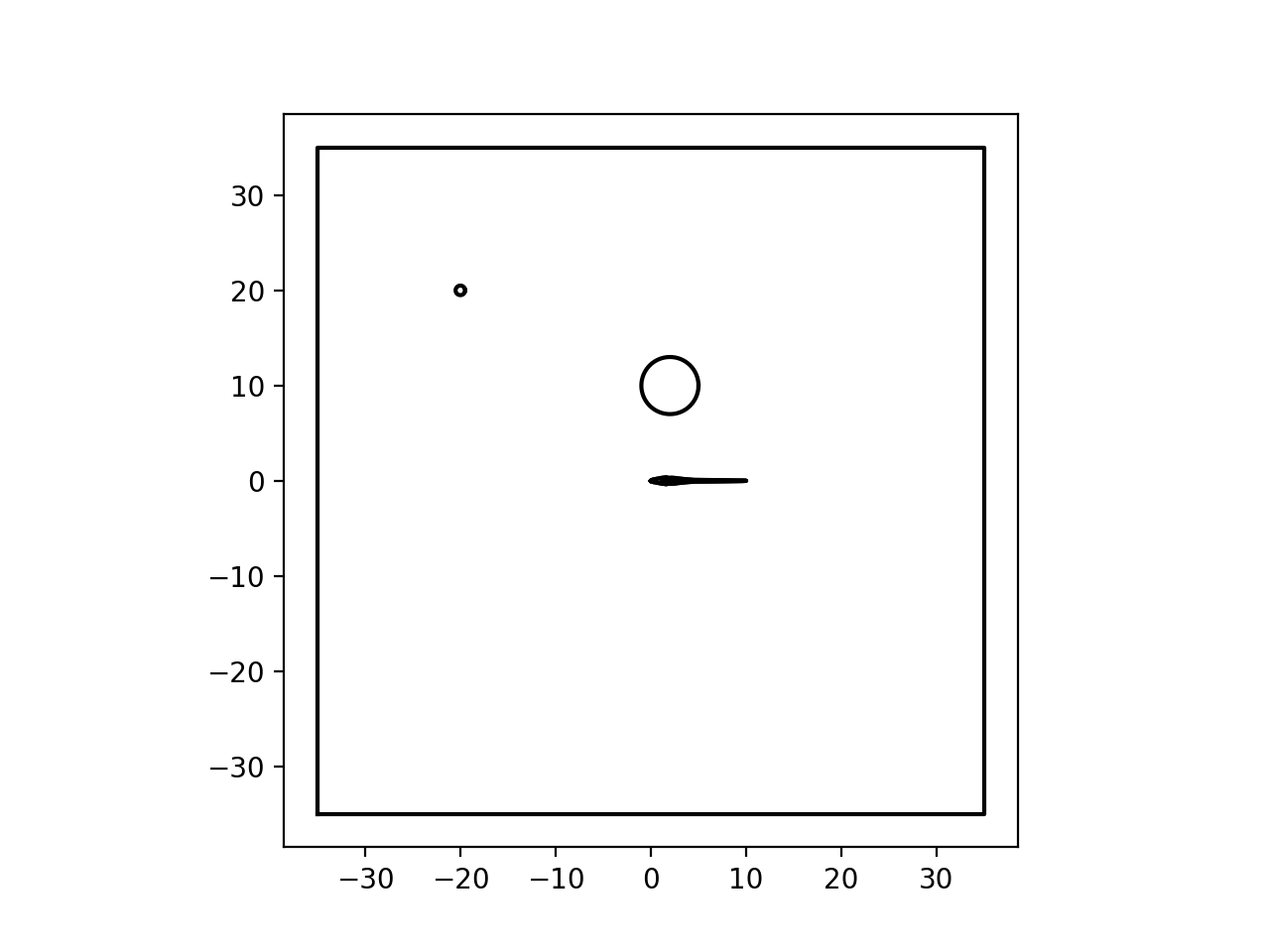
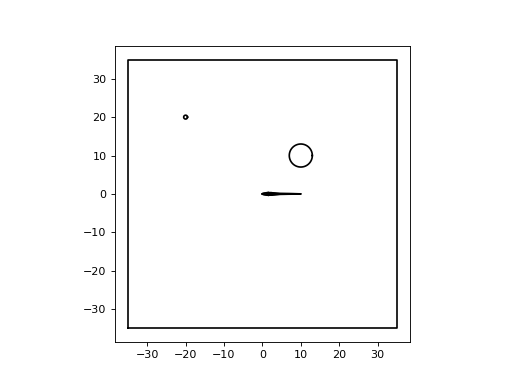
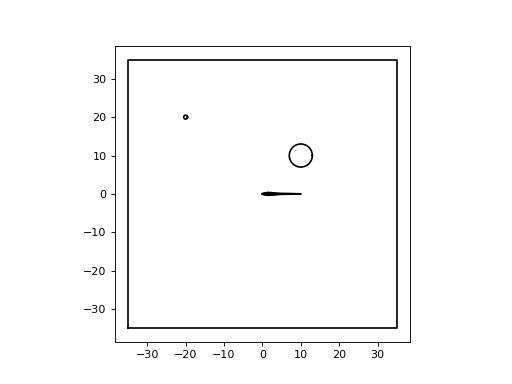
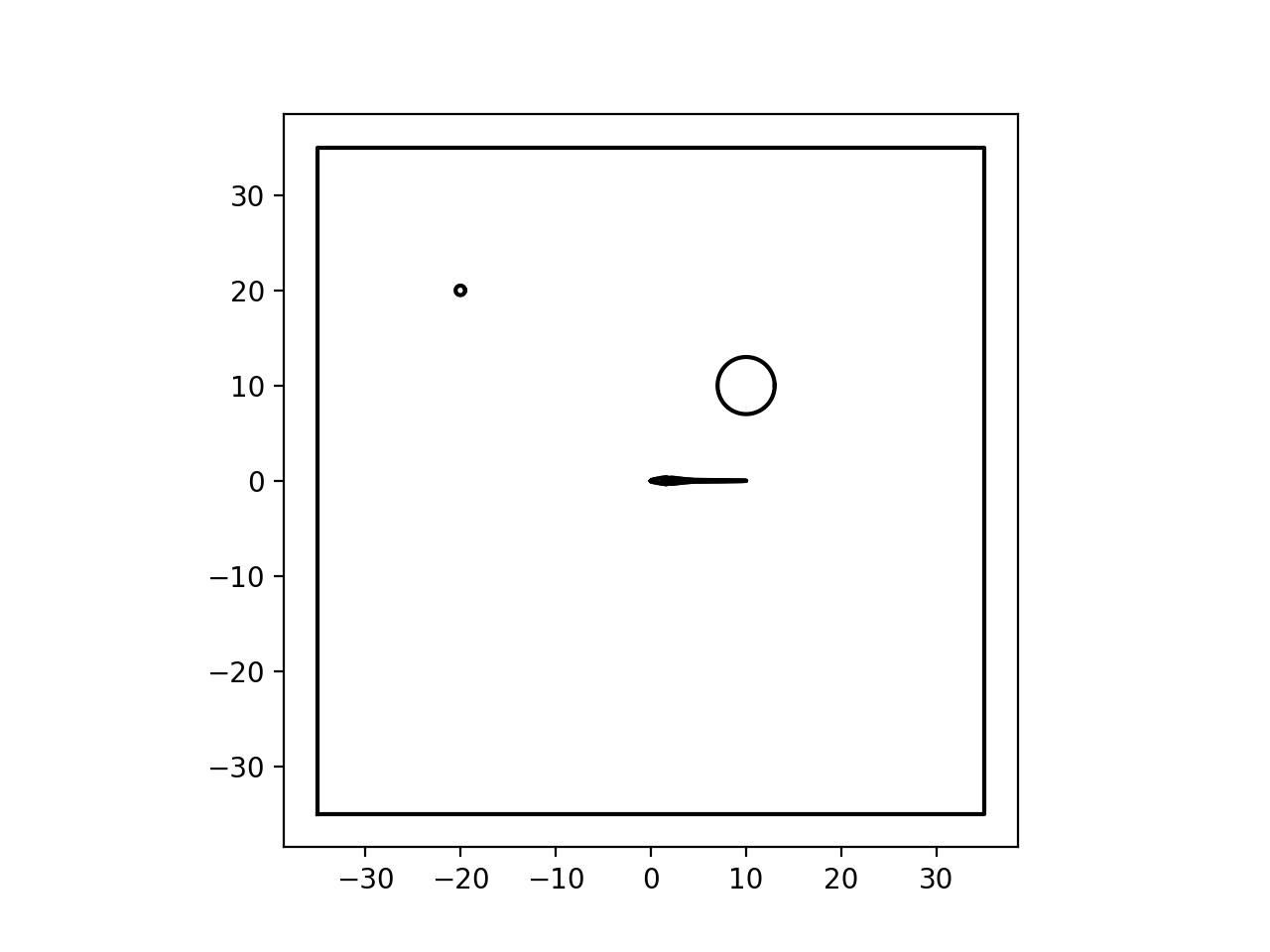
As you can see we’ve added two parameters to the model object_x and object_y. We set parameters with a parameter
dictionary with all necessary parameters included in it. The BaseFishModel has two required parameters: fish_x
and fish_y. These two parameters are lists of points which define the x and y coordinates of the spine. For this
model we’ve added two additional parameters and therefore they’re also included in the dictionary. You can have as many
or as few as you’d like. For example the radius could also be parameterized.
Note
While this example only showed how to work with geometry. The process for add_voltage_sources or
add_current_sources is identical. Parameter names are placed between self and **kwargs.
As an additional note: the same parameter can be used in more than one place just by adding the same name. You do not need to redefine parameters.
Fish Position Parameters
The only requirement for the points is that they are in rostro-caudal order and the midline does not self-intersect.
To highlight the flexibility we will create a 45cm fish with it’s head at (-30, -30), an exponential body, and rotated by 45°.
"""Example where we show how to set arbitrary coordinates."""
import numpy as np

from fish2eod import BaseFishModel


def compute_coordinates():
    """Compute rotated coordinates for a fish at 45cm fish at  45 degrees with an exponential curve."""

    # x from -30 to 15
    x = np.linspace(-30, 15, 30)

    # y has a subtle exponential bend
    y = np.exp((x + 30) / 20) - 1 - 30
    xy = np.array(list(zip(x, y)))  # join x and y

    rot = np.array(
        [
            [np.cos(np.pi / 4), np.sin(np.pi / 4)],
            [-np.sin(np.pi / 4), np.cos(np.pi / 4)],
        ]
    )  # 45deg rotation matrix

    # apply rotation
    xy = np.dot(xy + [30, 30], rot) - [30, 30]

    # extract x and y coordinates
    x = xy[:, 0]
    y = xy[:, 1]

    return x, y


"""
Define model parameters.

Here the parameters set a fish with a head at -30cm and tail at 15cm then rotated 45degrees
"""
x_new, y_new = compute_coordinates()
parameters = {"fish_x": x_new, "fish_y": y_new}

"""
Create the model and compile it

Plot the subdomains afterwards
"""
model = BaseFishModel()
model.compile(**parameters)
model.plot_domains()
(Source code, png, hires.png, pdf)
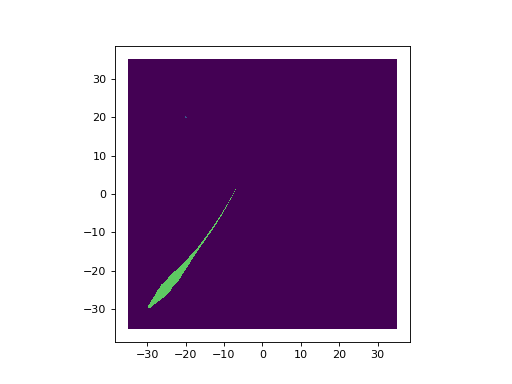
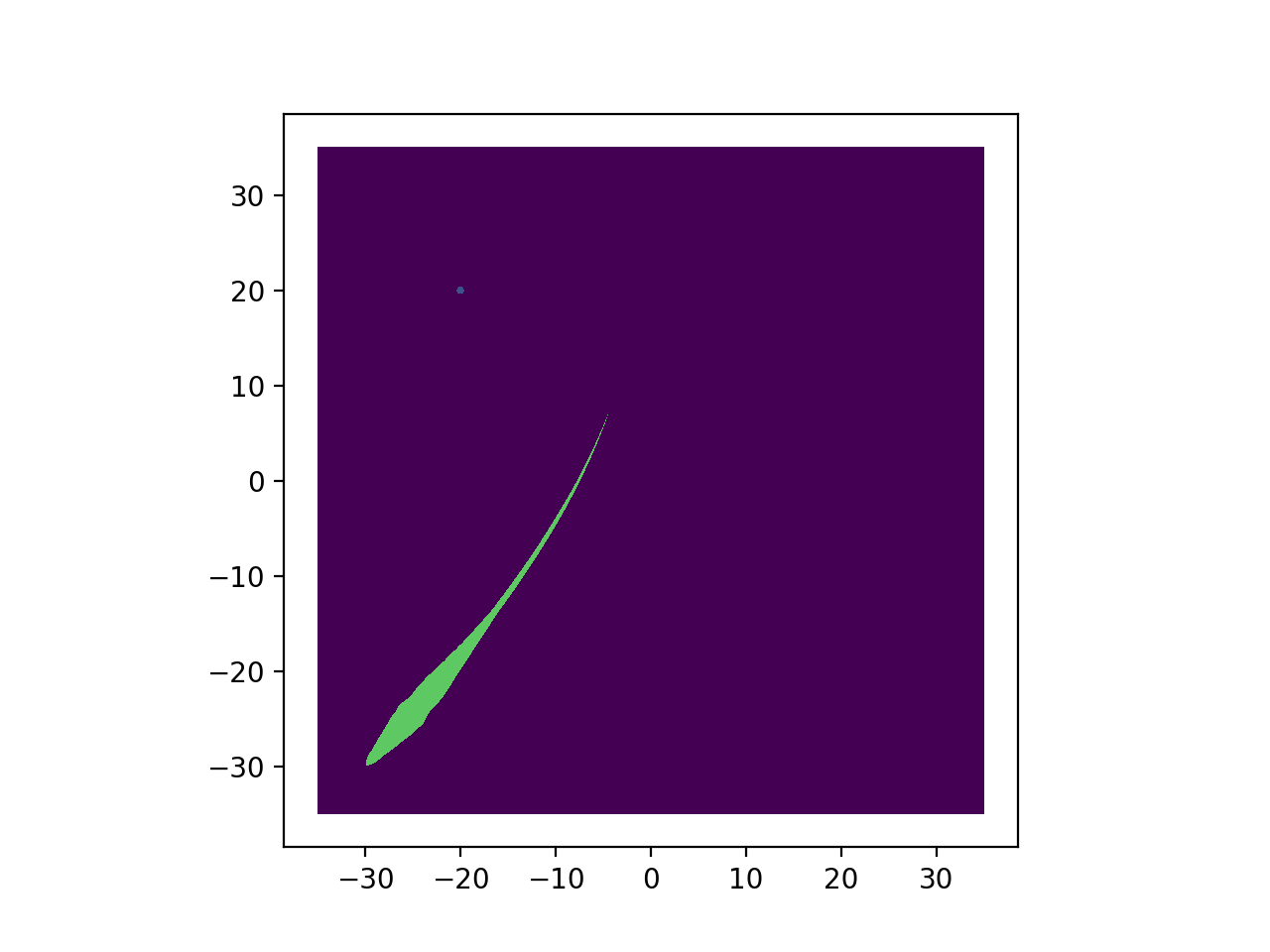
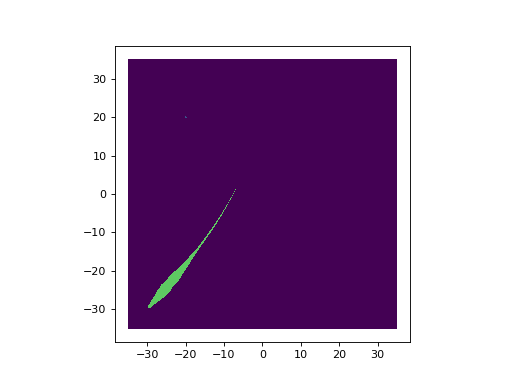
While this code may look complicated, the majority of the code is purely used to compute the coordinates for the fish
body. All of the compute_coordinates function is doing that role.