Solving
This tutorial assumes that you’ve already read the Parameterization tutorial.
Solving models while the most computationally expensive part, is also the easiest. There are a large number of configurable options for the solver. We will show the basic properties here (things like tank size) and remit the complex properties to the advanced topics.
Setting Model Properties
Setting Pre-baked parameters
Properties are set in a more dynamics manner. All properties have defaults, as such only the ones you want to change need to be added
"""Example where we introduce subclassing and default behaviour."""
from fish2eod import BaseFishModel


class DefaultBehaviour(BaseFishModel):
    """Example of subclassing. ExampleClass will have identical behaviour to BaseFishModel."""

    pass


"""
Create the model and then update properties.

Updating properties must be done before the model is compiled.
"""
model = DefaultBehaviour()

model.GROUND_RADIUS = 0.5  # cm
model.GROUND_LOCATION = [-20, 20]  # cm
model.MIRROR_GROUND = False  # if the ground is mirrored about the line y=0

model.TANK_SIZE = 70  # 70cm x 70cm

model.WATER_CONDUCTIVITY = 0.00023  # S/m
model.GROUND_CONDUCTIVITY = 727  # S/m
model.BODY_CONDUCTIVITY = 0.00356  # S/m
model.ORGAN_CONDUCTIVITY = 0.00927  # S/m
Setting EOD Phase
Depending on the application you may want to study the effect of the temporal properties of the electric field.
Phase is set like other parameters see documentation) where the phase variable is added to the
parameters dictionary.
Note
Importantly phase is not added to any method argument list as it’s handled internally.
"""Example where we show how to set eod phase."""

from fish2eod import BaseFishModel, plotting

"""
Define model parameters.

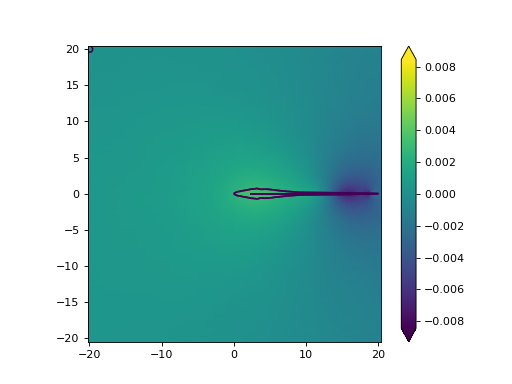
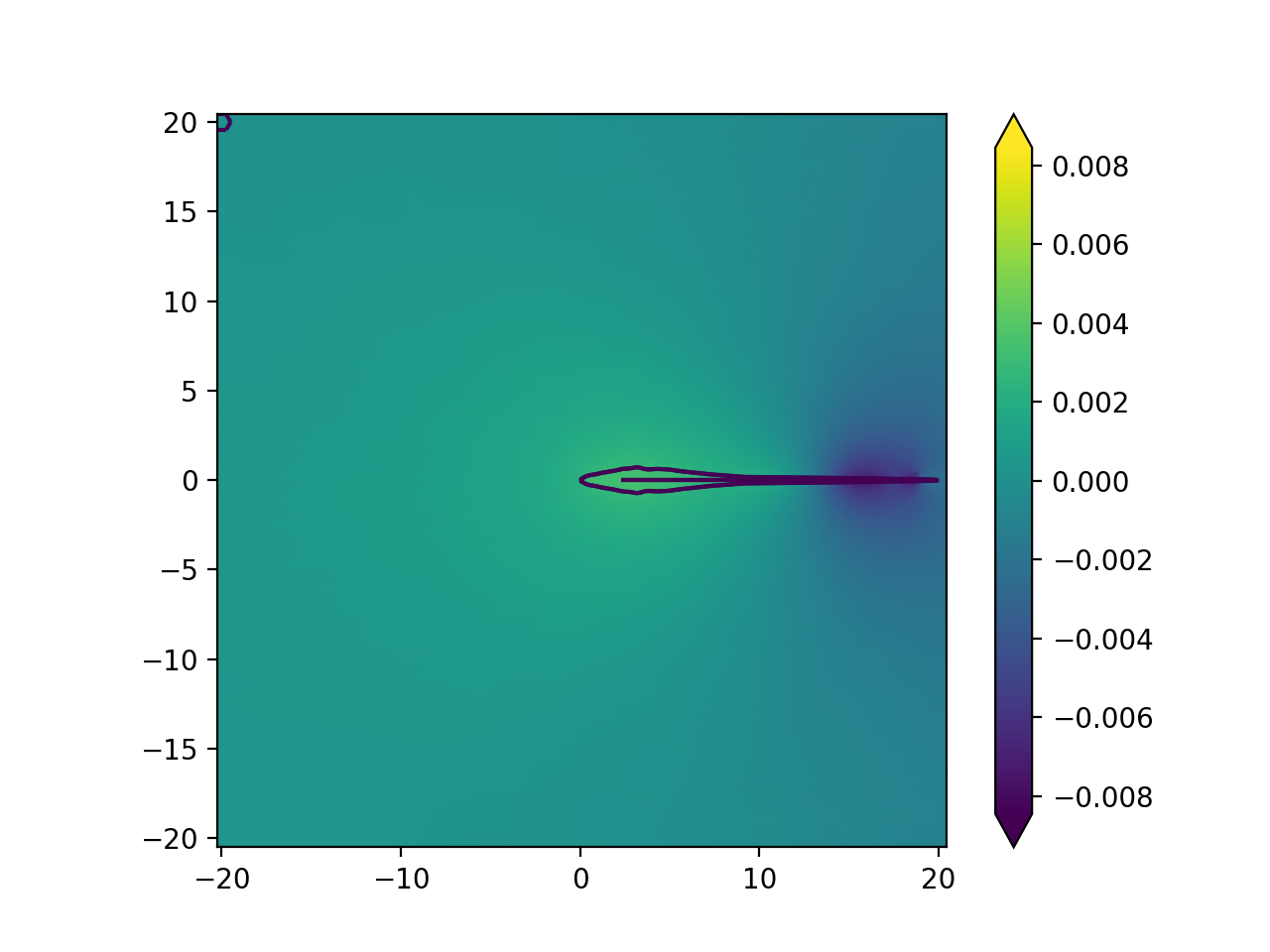
Here we draw a normal 20cm fish but set its phase to 0.5 in the EOD cycle
"""
parameters = {"fish_x": [0, 20], "fish_y": [0, 0], "phase": 0.5}

"""
Create the model and compile it

Plot the subdomains afterwards
"""
model = BaseFishModel()
model.compile(**parameters)
model.solve(**parameters)

plotting.mesh_plot_2d(model.solution, "solution")
plotting.plot_outline(model.solution)
(Source code, png, hires.png, pdf)
In later sections we’ll explain the model.solve HERE
Setting Species
Later taters
Solving Simple Models
After compilation (Model.compile method) we need to solve it with the solve method.
"""Example where we solve the BaseFishModel."""
from fish2eod import BaseFishModel, plotting

"""
Define model parameters.

Here the parameters set a fish with a head at 0cm and tail at 10cm aligned with the y=0 line.
"""
parameters = {"fish_x": [0, 10], "fish_y": [0, 0]}

"""
Create the model and compile it.
After compilation the model is solved.

Plot the result and the outline (geometry).
"""
model = BaseFishModel()
model.compile(**parameters)
model.solve(**parameters)

plotting.mesh_plot_2d(model.solution, "solution")
plotting.plot_outline(model.solution)
(Source code, png, hires.png, pdf)
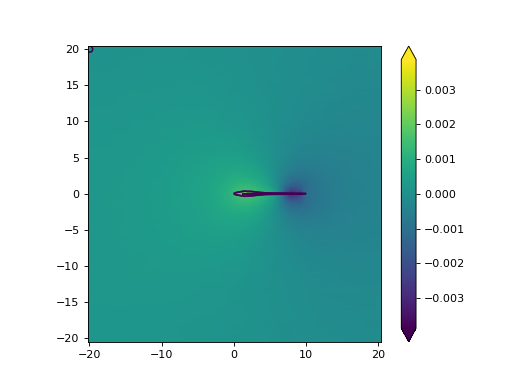
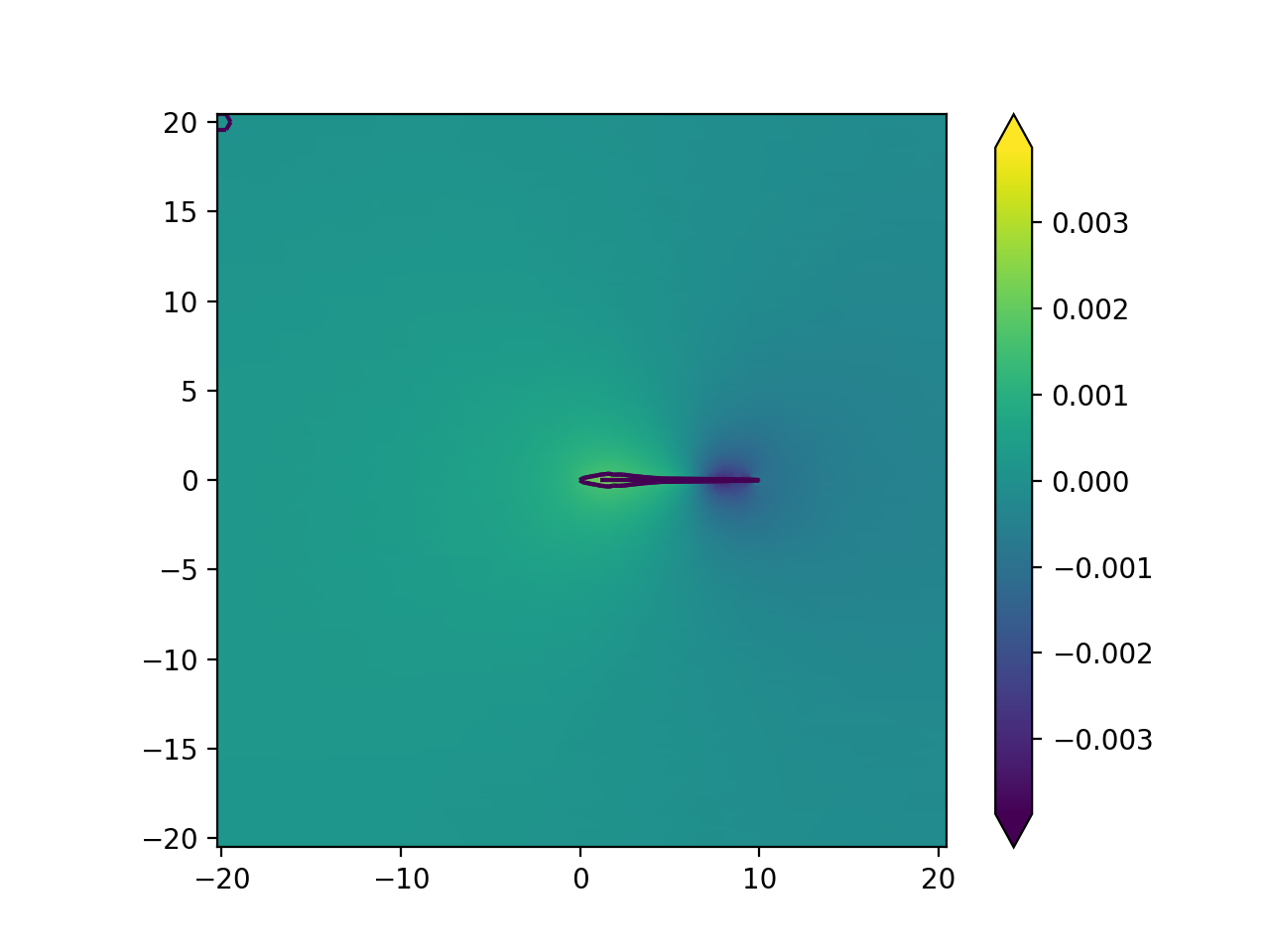
This will not compute any electric images. For this see here for detailed descriptions. Additionally here we plot the result