Theory
fish2eod is an integrated environment for computing the electric field surrounding electric fish via the Finite Element Method
fish2eod
fish2eod is our answer to traditional electric fish models computed in COMSOL. Similarly to COMSOL we can set parameters and solve stationary “flat” fish models. However where fish2eod differs from COMSOL is its flexibility. Without any additional effort fish geometry can be arbitrarily defined allowing for modeling the electrosensory system in freely moving fish. Importantly fish2eod is fully free and open source meaning that it can be run and deployed on as many processors as you wish without licensing constraints and additional “packages” requiring fees.
Finite Elements
fish2eod makes use of the Finite Element Method (FEM) to compute the electric field from an electric fish.
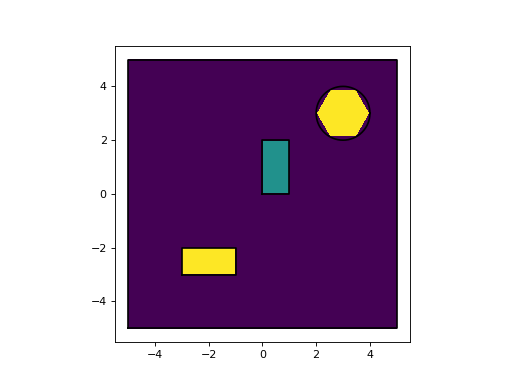
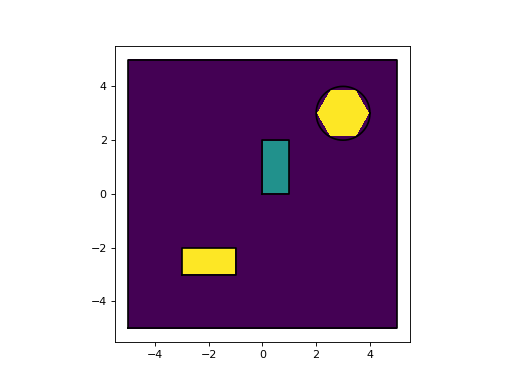
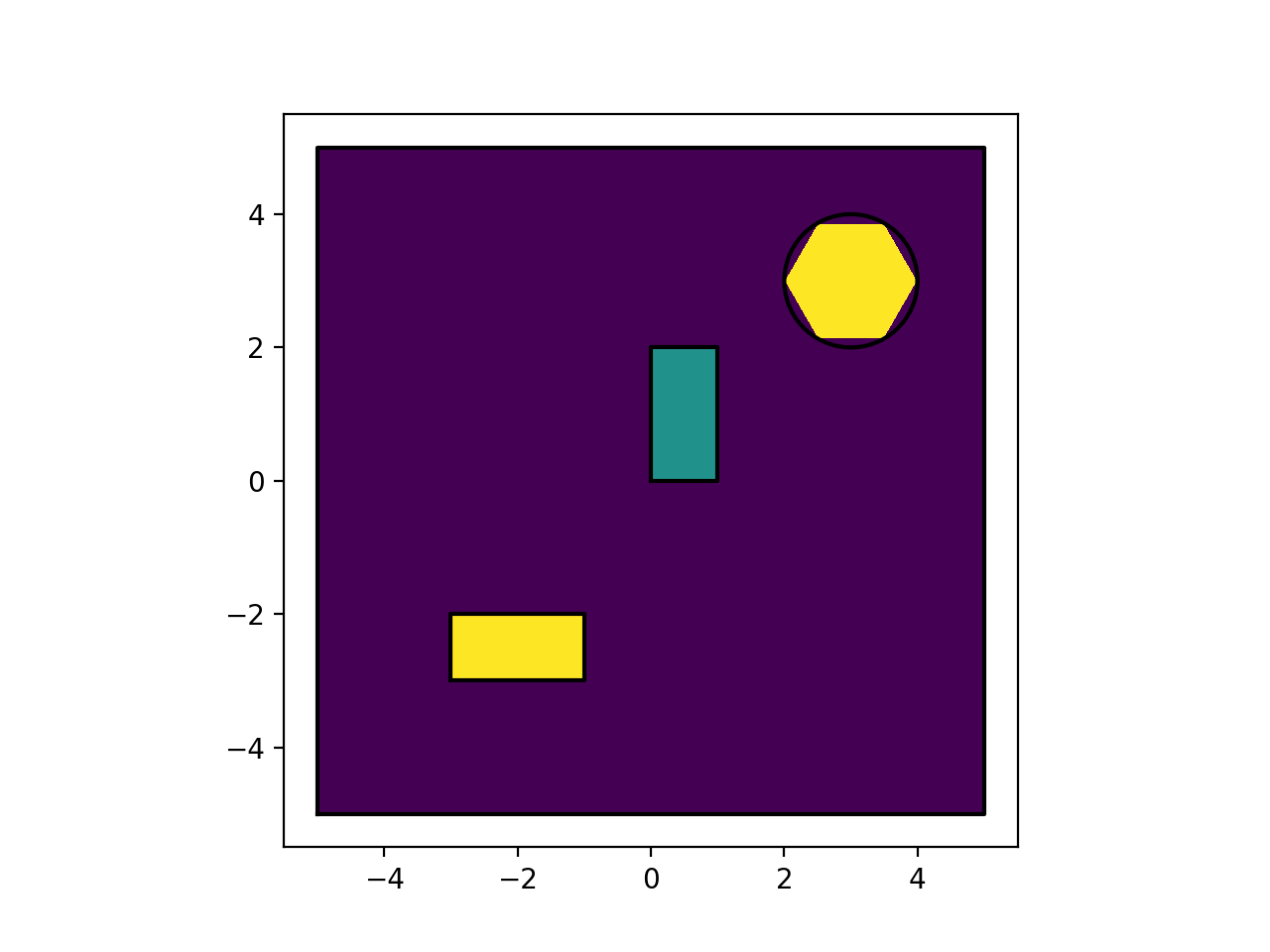
There are two important concepts defining parts of the model. A domain is a 2D region of the model. This could be any 2D area such as the water in the tank, a circle representing a Daphnia prey, or some combination of 2D surfaces; they do not necessarily need to be contiguous. Secondly we have boundaries, these are the 1D structures which form the edge of two domains or the edge of a domain and nothing (edge of the tank for instance). Defining properties on domains and boundaries allows us to model the fish’s electric field. An example of a domains, boundaries and meshes are shown in the following figures. There are 3 domains in this model. The “background”, the “central square” and the “circle-square” combo (shown in purple, green, and yellow respectively). In the second figure the boundaries are shown for each of the domains along with the computed mesh.
In short finite element modeling works by discretizing the domain (“cutting”) into pieces forming what is called the mesh.
Note
Don’t worry about the code used to make these figures. It will be covered in the rest of the Basic Tutorials
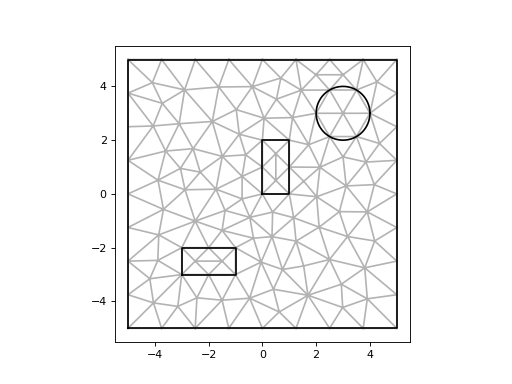
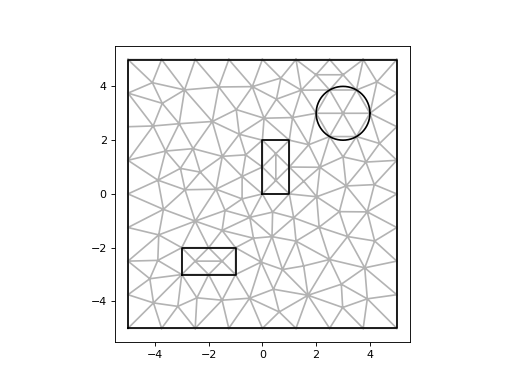
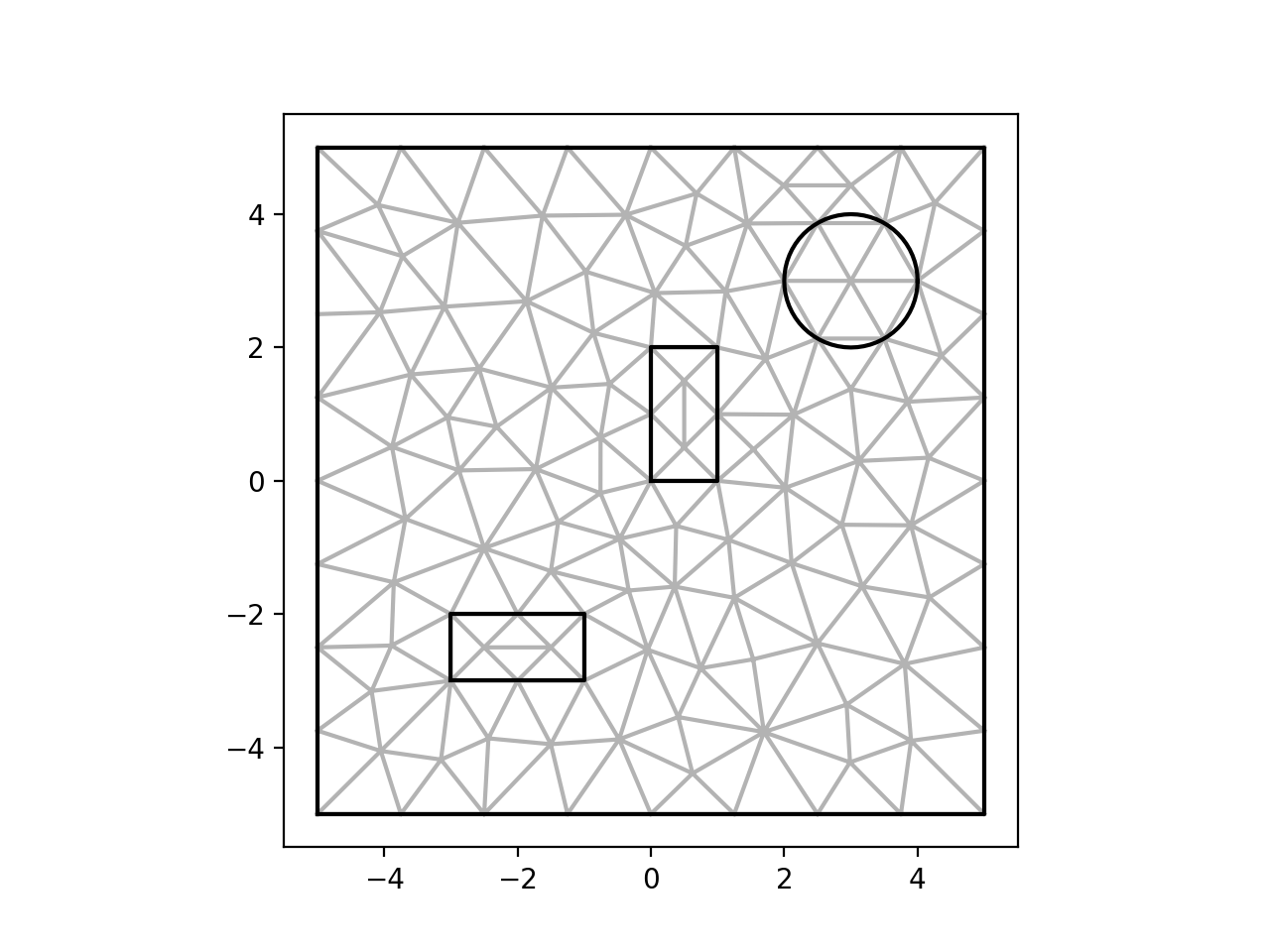
The equations are then solved for each point (node) on the mesh and the solution is interpolated at each point in space over the entire mesh.